What is Plurk?
A really amazing site that you can showcase the events that make up your life, and follow the events of the people that matter to you.
How does Plurk work?
It's easy. First, sign up.
Then, just post new plurks which tell us what you're doing, or how you feel, or what you're thinking or anything else for that matter and it'll appear on your timeline.
Be sure to invite all your friends and see what they are up to throughout the day, it will make Plurk much more fun for you.
What's my timeline?
Your timeline is your home screen and where you'll spend most of your time on Plurk. It gives you a clear view into what everybody is up to recently and lets you stay caught up on what your friends are doing.
How do I make friends or follow others on Plurk?
If you have other friends who also use Plurk, you can add them as friends first. Or communicate with other plurkers and try to make friends with them.
How do I search for something interersting?
You can search for something interesting in the search page by keywords. You can also add hashtags in your intruction or in the plurks. It can help others to search you.
What is "Karma"?
"Karma" is a number showing how active you you are on Plurk. Your karma will rise when you usually answer or pose plurks. You can use more fuctions such as more emoticons or having different plurk monster on your plurk account when karma is rising. You will have different emoticons at different karma levels.
What will change my karma?
Keep posting or sharing. Also, If someone reply on your plurk will increase your Karma. If you are not so often surfing on Plurk or rejected friend request by others, it will make your karma decrease.
That is, as long as you keep active on Plurk.
Your Karma will be gradually higher.
What is badges?
These special little medals!
You can earn various badges on Plurk.
What is the Plurk homepage?
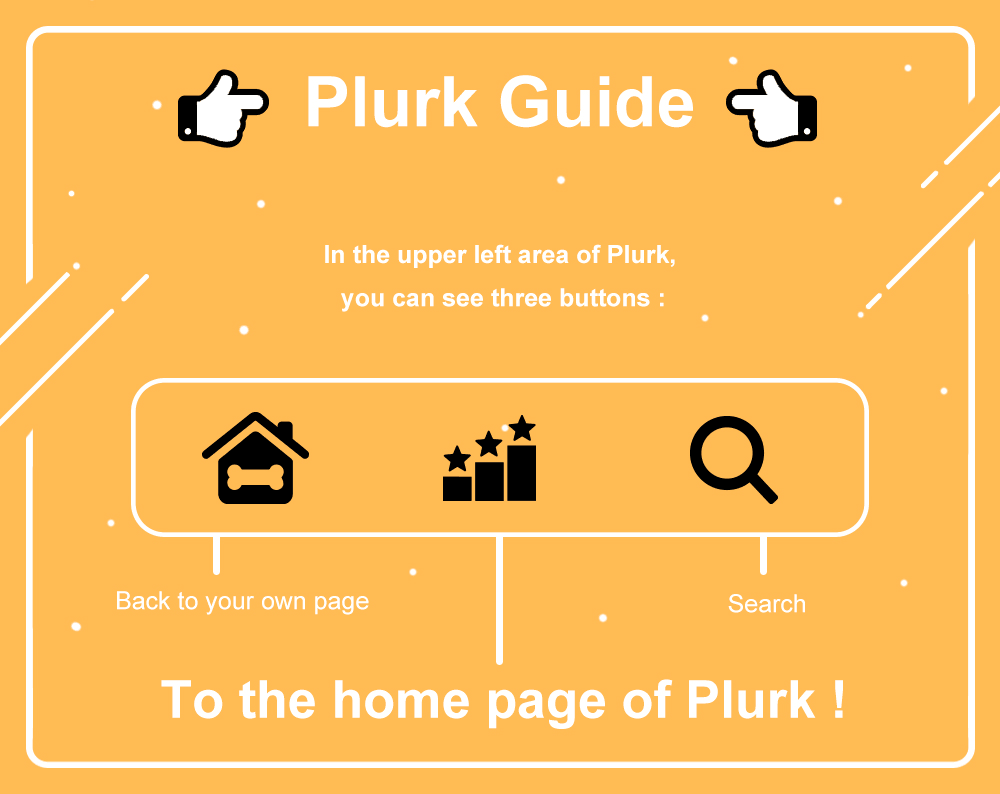 There are Top Plurks, trending and the offical plurk news on the homepage. You can search for someing interesting on the homepage except on your own timeline.
Is there any Plurk official account?
There are some Plurk official accounts, you can follow us to get official information.
Announcement account
- Plurk TW (@plurktaiwan) - Traditional Chinese
- Plurk EN (@plurken) - English
- Plurk App (@plurkapp) - Traditional Chinese & English
Office account
- Plurk Office (@plurkoffice) - Traditional Chinese
- Plurk Work (@plurkwork) - Traditional Chinese
- Plurk Art (@plurkart) - Traditional Chinese
- Plurk EnJoy (@plurkenjoy) - English
What's your policy on privacy?
Glad you asked. You can find our privacy policy here.
What about the terms of using Plurk?
Sure, check out our terms of service over here.
My question isn't answered here. I need more help. Where do I go?
No problem. Contact us here.